
Show Your Star Rating Everywhere With Review Badges
Add a compact, auto-updating rating badge to your header, sidebar, footer, or floating on every page. Combine Google, Facebook, Yelp, and more into one number visitors trust at a glance.
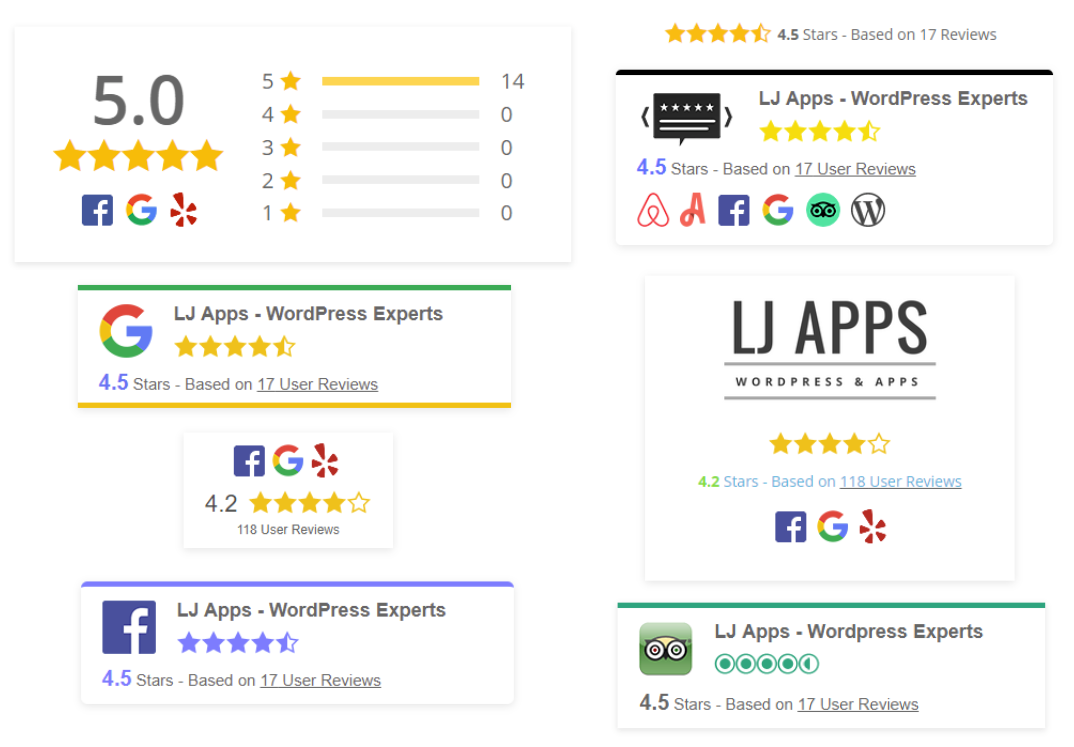
Seven badge styles, ready in minutes
Pick a style, add your business name and logo, and adjust the width, border radius, and platform icons. The preview updates as you work, so there is no guessing what visitors will see.
- Compact pill badges for headers and footers
- Card badges with your logo and a link to your reviews
- Rating breakdown badges that show the star distribution
- Optional floating badge that stays visible on every page
Copy the shortcode into any page, post, or widget area, or drop it into Divi, Elementor, or the block editor.
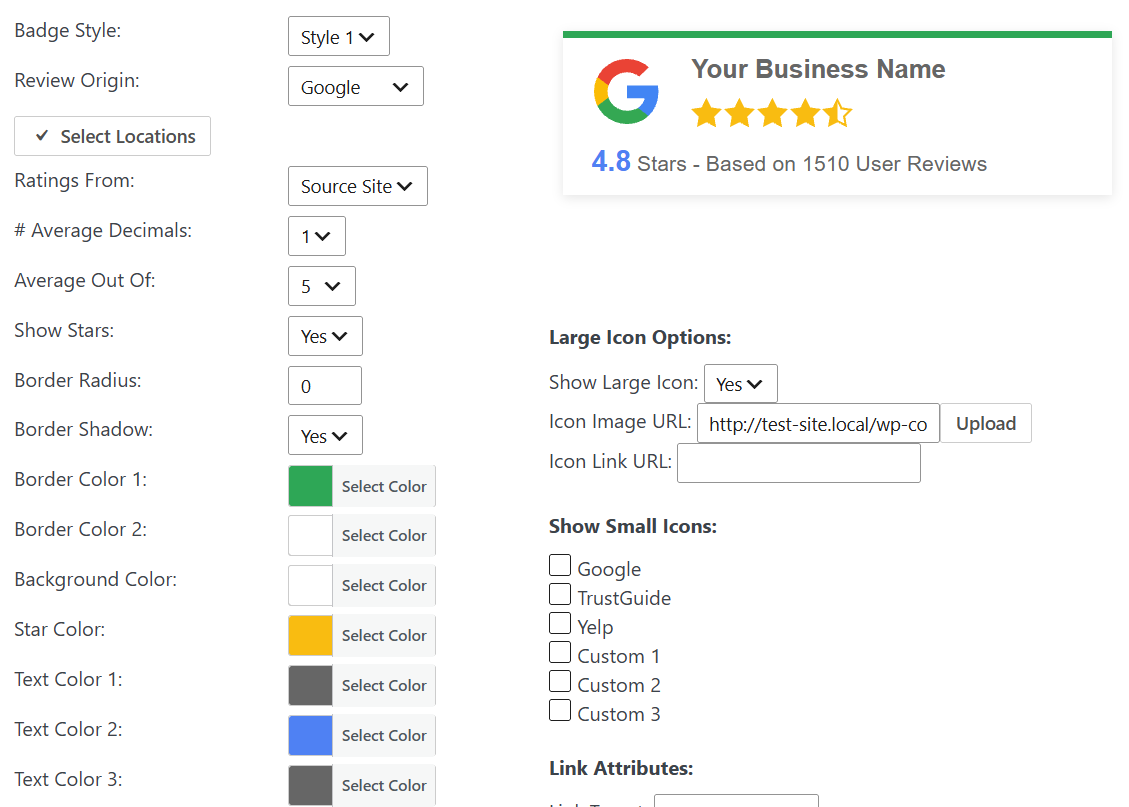

One rating from every platform you use
Choose which review sources feed the badge. The plugin combines the reviews you have imported into a single average and total, and shows the platform icons so visitors know where the reviews come from.
Google and Facebook. Yelp and TripAdvisor. WooCommerce product reviews and the reviews collected with your own forms. If it is in your Review List, it can count toward the badge.
A breakdown that builds trust
The breakdown badge shows the star distribution behind your average, which reads as more credible than a lone number. Add an AI-generated summary of what customers mention most, and link the badge to your full review page or TrustGuide profile.
Badges are built from reviews stored in your WordPress database and refreshed by the plugin’s scheduled downloads, so they stay current without hitting third-party APIs on every page view. Optional review schema output can make your aggregate rating eligible for rich results in search.
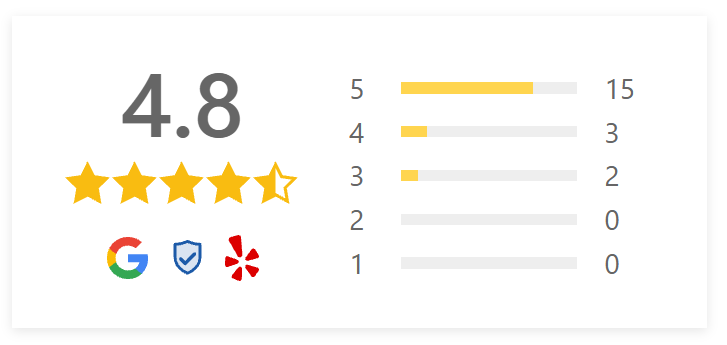
A live badge from this site
This badge is running on this page right now. It combines our Facebook, Freemius, and Google reviews into one rating and updates whenever new reviews are downloaded.
Yours can use your own logo, colors, and review sources.
 WordPress Experts


Choose how your badge works
A few settings decide what the badge shows and what happens when someone clicks it.
Platform or Review List totals
Show the total and average reported by the platform, or calculate them from only the reviews stored in your Review List.
Click actions
Open your reviews in a pop-up or slide-out without leaving the page, or link to your review page or TrustGuide profile.
Floating badge
Use the Float tab to pin a badge to the corner of the screen so it stays visible as visitors scroll.
AI summary
Add a short AI summary of what customers mention most to the breakdown badge.
Rich snippets
Turn on review schema for one badge or template per page and choose Product, LocalBusiness, or Service.
Place it anywhere
Use the shortcode in pages, posts, and widget areas, or drop it into Divi, Elementor, or the block editor.
Frequently asked questions
Does the review badge update automatically when I get new reviews?
Yes. WP Review Slider Pro checks your connected platforms on the schedule you set, downloads new reviews, and recalculates your badge average and review count automatically.
Can I combine Google, Facebook, Yelp, and WooCommerce ratings into one badge?
Yes. Check as many review sources as you want when creating a badge. The plugin calculates a single combined average and total review count and displays the small platform logos for every included source.
Where can I place a review badge on my WordPress site?
Anywhere a shortcode or widget works: headers, footers, sidebars, WooCommerce product summaries, Divi/Elementor sections, or Gutenberg blocks. You can also use the Float tab to pin a floating badge to the corner of every page.
What happens when a visitor clicks a review badge?
You choose the click action: open a modal pop-up / slide-out panel displaying your full reviews without leaving the page, scroll down to a review slider on the same page, or open a custom URL such as your Google profile or TrustGuide page.
Can the badge show my full lifetime Google review count even if I only imported recent reviews?
Yes. Each badge lets you choose between using the overall platform source totals reported by Google/Facebook/Yelp or calculating the count and average strictly from the reviews stored in your local Review List.
Can a review badge output Google Rich Snippet schema?
Yes. You can enable Google Rich Snippet JSON-LD on one badge or template per page (Product, LocalBusiness, or Service). Be sure to enable schema on only one template or badge per page to avoid duplicate structured data.
Set up your first badge
These guides cover connecting your review sources and showing the results on your site.
- How to add a Google review badge to your WordPress site
- Google reviews in WordPress: step-by-step setup
- How to embed Google reviews on your website
- AI review summaries, analysis, and owner responses
- Live badge and slider examples
Import ReviewsReview TemplatesReview FormsAI Review AnalysisEmail SignaturesReview CardsTrustGuide Profile