
Publish a Public Reputation Page on TrustGuide
Sync the reviews you already collect in WP Review Slider Pro to a hosted TrustGuide profile with a verified badge, so prospects can check your reputation in one place.
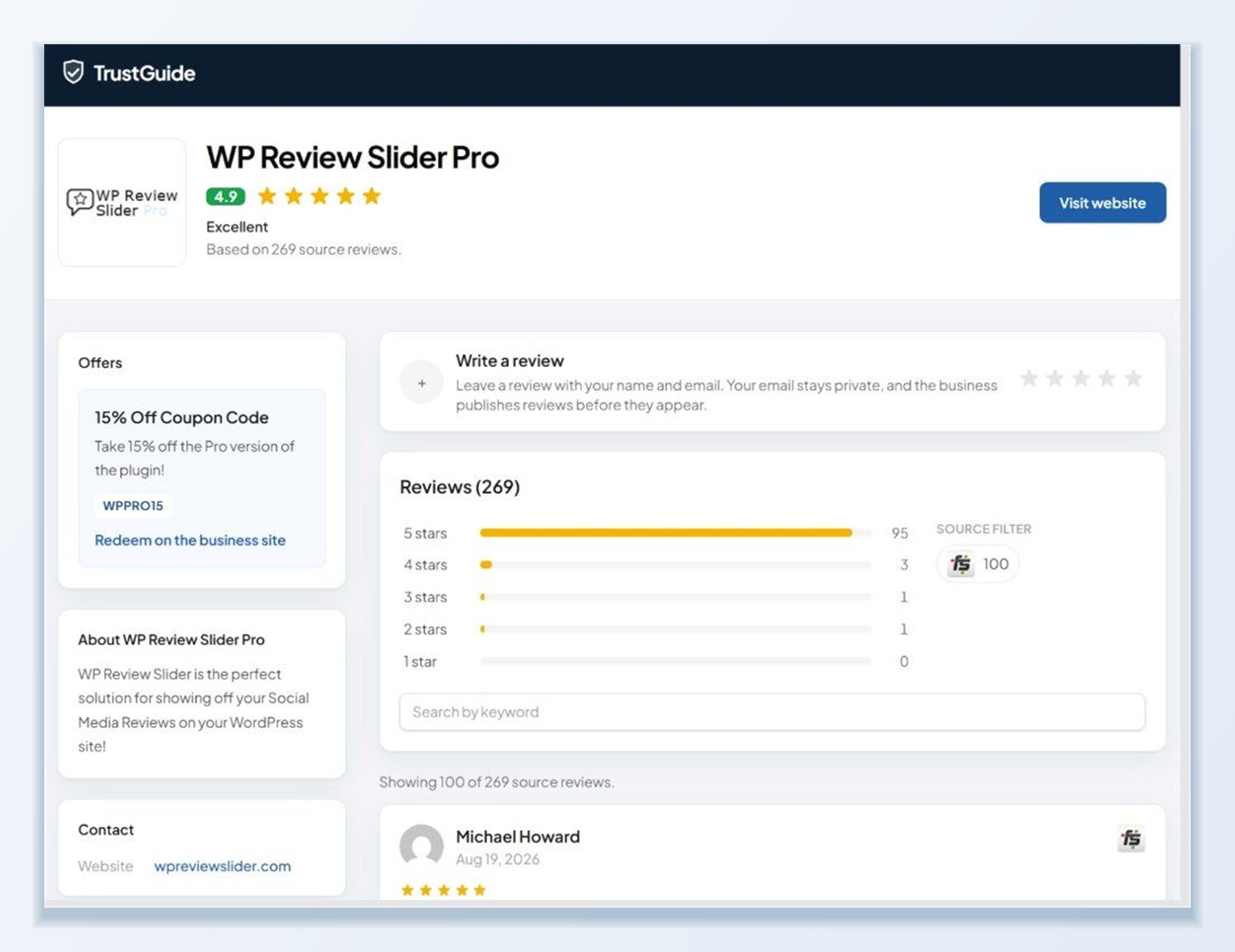
Connect in three steps
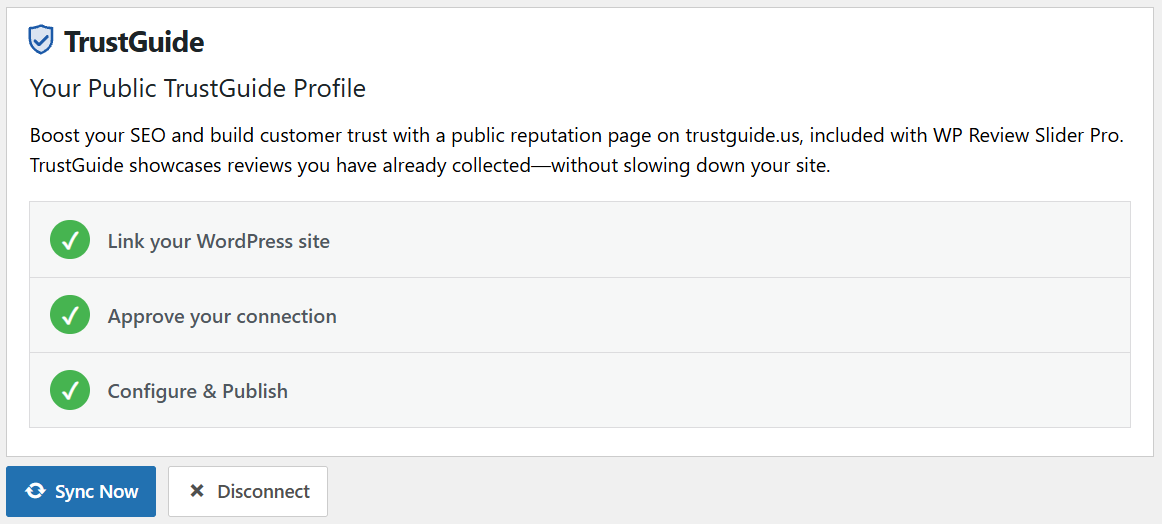
Open the TrustGuide tab in WP Review Slider Pro and click Start Pairing. Approve the connection in TrustGuide with a free account, then choose which locations should appear and click Sync Now.
- Pairing opens a secure connection first; no reviews, passwords, or customer data are sent until you approve it
- Your public profile link appears after the first successful sync
- Disconnect at any time from the same screen
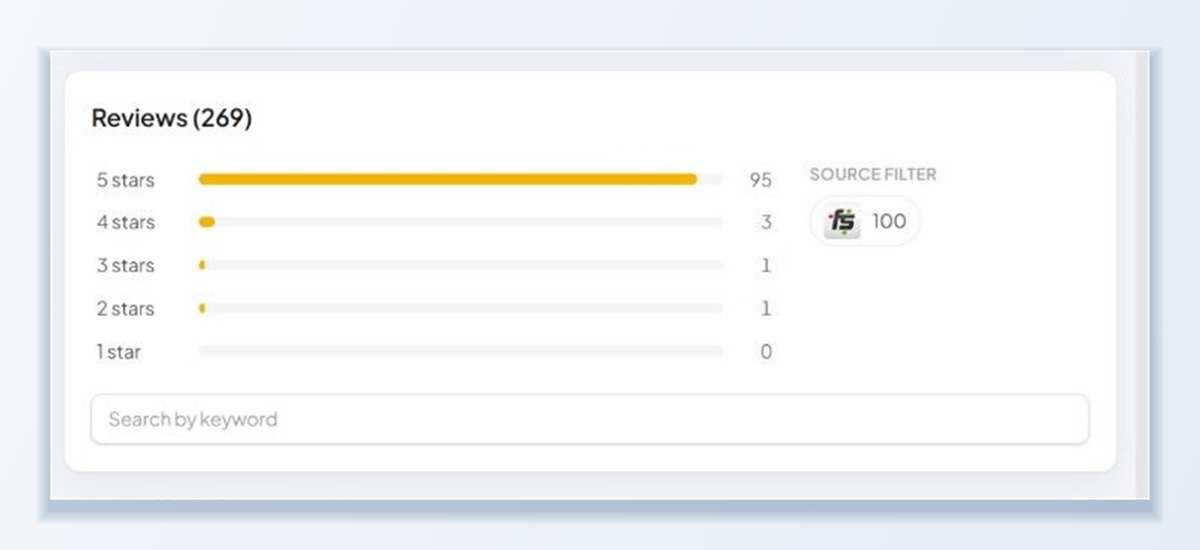
Your reviews, hosted off your server
The profile lives on trustguide.us, so it does not add load to your WordPress site and it stays online even while your site is being redesigned. Keep it updated automatically every day, or sync only when you click the button.
You stay in control of what is published. Check the review sources that should appear, leave the rest unchecked, and hidden reviews and translations are never sent.
A page you can share anywhere
Share your TrustGuide profile link in proposals, email signatures, social bios, and invoices, or point a review badge on your site at it. The verified badge tells prospects the reviews were synced from a connected business, not typed in by hand.
Creating a TrustGuide account is free with the purchase of WP Review Slider Pro.
What goes on your TrustGuide profile
Your profile is built from the locations and review sources you choose to sync.
A verified badge
Your profile shows that the reviews were synced from a connected business, not typed in by hand.
Only what you choose
Check the locations and review sources to publish. Hidden reviews and translations are never sent.
Daily or manual sync
Keep the profile updated automatically every day, or sync only when you click Sync Now.
One link for everything
Use your profile link in proposals, email signatures, and social bios, or point a review badge on your site at it.
Frequently asked questions
Do I have to import my reviews again for TrustGuide?
No. TrustGuide uses the reviews already stored in WP Review Slider Pro. If your location list is empty, download reviews on the Get Reviews page first and then select the locations you want to publish.
Is TrustGuide free with WP Review Slider Pro?
Creating a TrustGuide account and publishing a basic profile is free. It is included free with the purchase of WP Review Slider Pro.
What data is sent from WordPress to TrustGuide?
Only the public reviews from the specific locations and sources you check. Hidden reviews, private form feedback, and translated duplicates are never sent, and nothing is transmitted until you approve the pairing connection.
How often does my TrustGuide profile update?
When automatic sync is enabled, WP Review Slider Pro sends updated review snapshots in the background as new reviews arrive. You can also click Sync Now in the TrustGuide tab at any time.
Can I link my WordPress review badges and email signatures to my TrustGuide page?
Yes. Copy your public TrustGuide URL after your first sync and paste it as the destination link in any review badge or email signature so visitors can verify your reviews in one place.
Can I disconnect my site from TrustGuide later?
Yes. Clicking Disconnect in the TrustGuide tab removes the WordPress connection and clears any pending background deliveries immediately after you confirm.
Connect your site
The setup guide and the release notes for the TrustGuide integration.