
WP Review Slider Pro 12.7.19 is the update you will see in your dashboard. Two smaller releases, 12.7.17 and 12.7.18, went out just before it, so this post covers all three. Most of what is new lives in Review Cards: you can pick a size that matches where the graphic is going, choose a typeface, and reuse a look you already like. The Review List is easier to work through, and Review Funnel can pull reviews from a lot more sites.
Review Cards get a real size menu
Open WP Review Slider Pro → Display Reviews → Review Cards and create a card. It still starts on Quote landscape, which is a good default when you just want the words big and readable. The new part is the Size menu. It is split into Social and Paper, and the paper sizes include the inch dimensions, so you can tell a letter-size flyer from an Instagram story without doing the math.
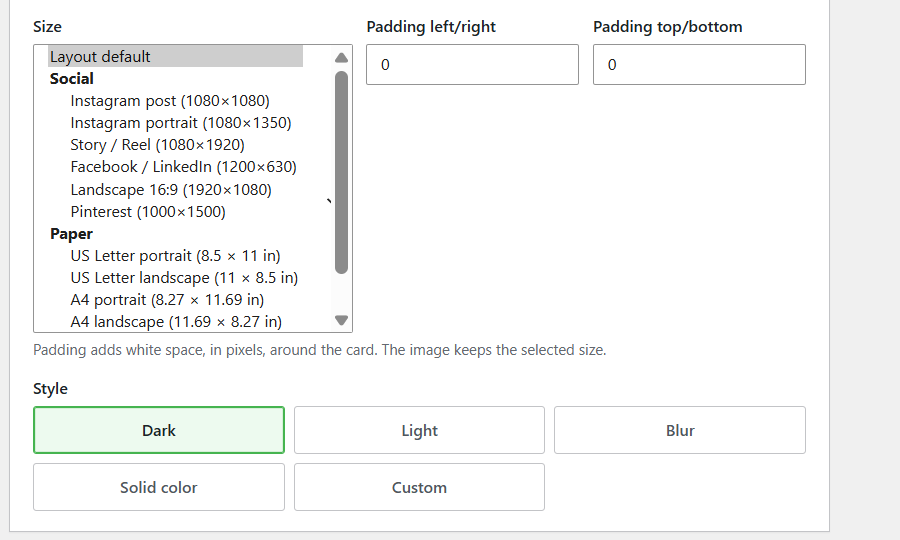
Social covers the usual places: an Instagram post, an Instagram portrait, a Story or Reel, Facebook and LinkedIn, a 16:9 landscape, and Pinterest. Paper covers US Letter, A4, and A5, each in portrait and landscape. Padding left/right and Padding top/bottom add white space, in pixels, around the card. The downloaded image keeps the size you selected, which is what you want when a quote is cramped against the edge and you do not want to give up the Instagram dimensions to fix it.
Text size runs from 50% to 200% and scales all the text on the image except the footer. Star size goes up to 300%. Badge layouts have a separate Badge star size slider, so the stars in that panel can grow on their own.
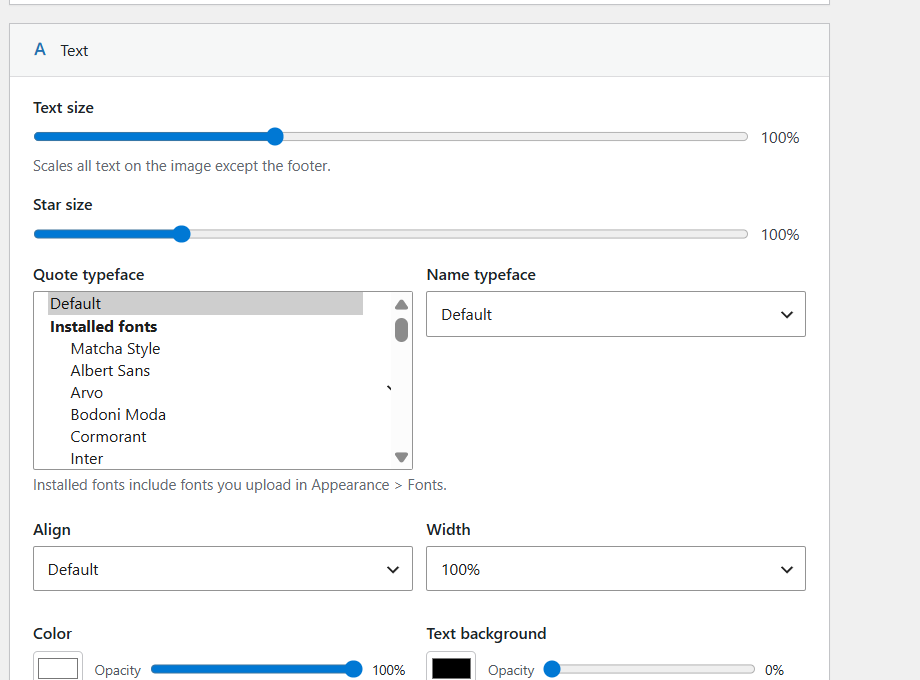
Quote typeface and Name typeface can be a Google font, or a font already installed on the site. Installed fonts include anything you upload in Appearance → Fonts, so the card can match the type you already use on your website. The font you choose is included in the PNG. It still looks the same when you post the image somewhere else.
How the name shows up
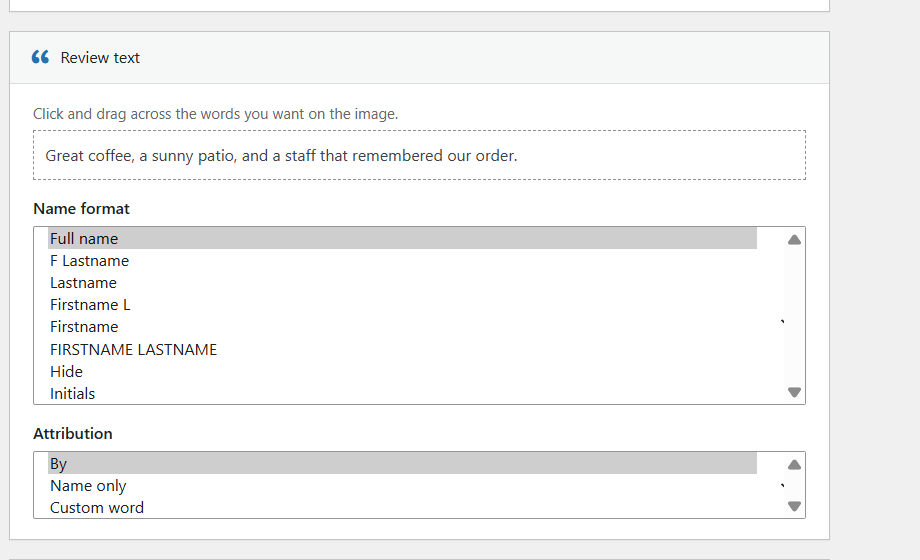
A public graphic does not always need a full name. The name line can be a full name, F Lastname, last name only, Firstname L, first name, FIRSTNAME LASTNAME, initials, or hidden. Attribution can read By, show the name on its own, or use a Custom word of up to 40 characters when you want something like “Reviewed by”.
Once a card looks right, you can keep that look. Copy settings from pulls the settings off another card, then Apply writes them onto the one you are editing. Save as default for new cards makes it the starting point next time. Apply this look to other cards… copies the layout, style, size, fonts, and colors onto the cards you pick. Each card keeps its own review quote.

Background search uses free photos from Unsplash. If Unsplash is unavailable, the same search comes back from Openverse. This release also fixes a bug that kept an old stylesheet cache from clearing after you changed a card.
The full walkthrough is How to Create Shareable Review Cards in WP Review Slider Pro. The feature page is Shareable Review Cards.
More places to download reviews
12.7.19 adds 31 sites to Review Funnel. Create a funnel, pick the site, and paste the public page where the reviews live. The full source list is on Import Reviews.
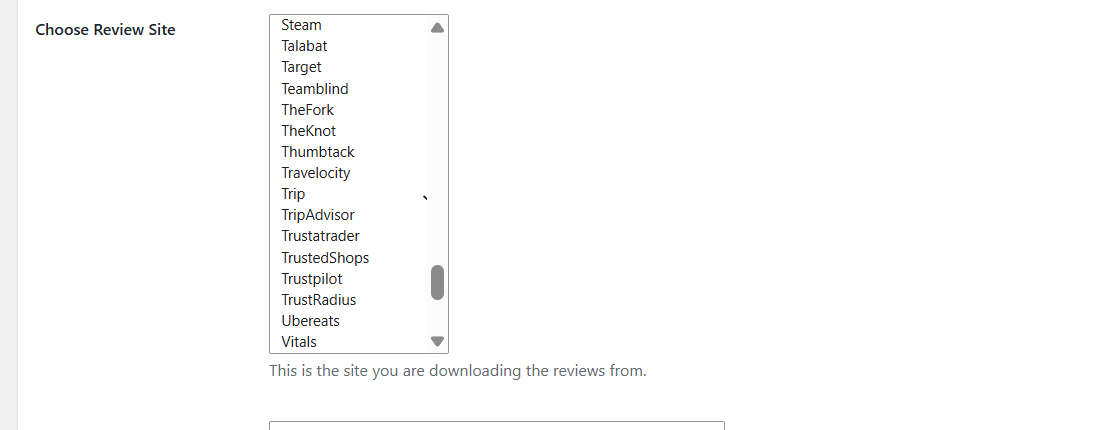
The new sites cover trades and home services (Checkatrade, Trustatrader, Ace Hardware, Lowe’s, Wayfair, and Costco), care and family (A Place for Mom, Care.com, Caring.com, Fertility IQ, and Drugs.com), cars (AutoScout24, Autotrader, Car Dealer Reviews, Carfax, mobile.de, and Motability), and food delivery (DoorDash, Uber Eats, Grubhub, and Just Eat). Travel and a few others are in there too: MakeMyTrip, Rakuten Travel, Naver, Teamblind, Kununu, DesignMyNight, Peerspot, SmartCustomer, Weedmaps, and ResellerRatings.
There is also a fix for Fresha reviews that were failing to download.
A Review List you can get through faster
If the list has grown past one page, you can show 10, 20, 50, 100, or 200 reviews at a time. It still opens on 20, and that browser remembers the choice.
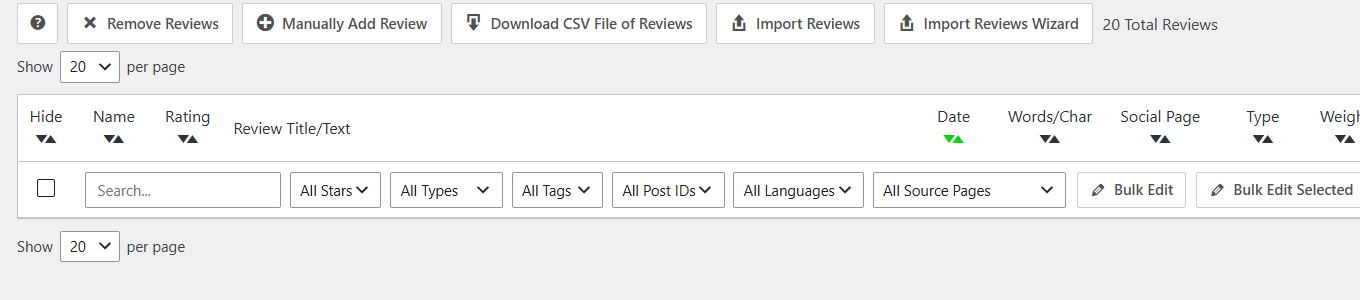
The inline editors for tags, category IDs, and post IDs now suggest values you have used before. Type to narrow the list. Down or Tab highlights a suggestion, Enter fills it in, and Enter again saves. Tag filters also match names that contain accents, including tags saved before this update.
Bulk Edit Selected is the control worth trying. Check the reviews you want, or use the checkbox at the top of the column to select every review on the current page, then update categories, post IDs, or tags for those rows.
Two quieter fixes shipped with 12.7.17. On update, the plugin checks the reviews table. When the database uses utf8mb4, a legacy 3-byte utf8 table is converted so a review that contains an emoji can be saved. A pop-in or pop-out float also continues from the next review when a visitor opens another page in the same browser tab. Floats are set up on the Review Badges page.
Update from your WordPress dashboard when 12.7.19 shows up, then open Review Cards and try a social size on a review you already have. If cards are new to you, start with What’s New in WP Review Slider Pro 12.7.15. New to the plugin? Compare licenses on the pricing page. Every plan includes all features.