
Put Your Star Rating in Every Email You Send
Build an email signature with your rating, review count, and a call to action, then paste it into Gmail, Outlook, or Apple Mail. A live rating image keeps the number current as new reviews arrive.
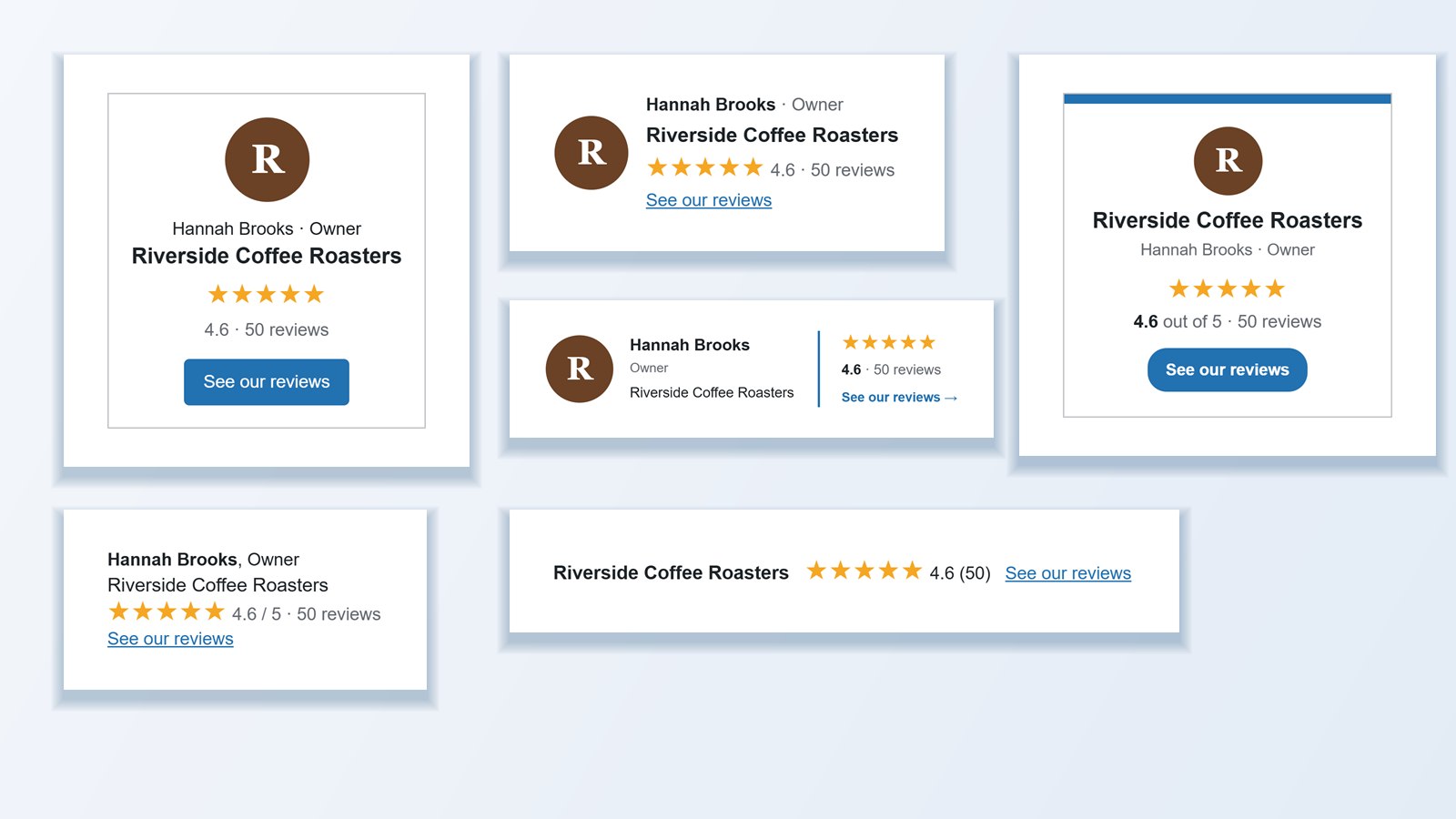
Six layouts built for the inbox
Choose Compact, Rating Bar, Card, Minimal, Professional, or Spotlight, then add the person’s name and title, your logo, a destination link, and a call to action such as “See our reviews.”
- Colors for text, muted text, stars, links, borders, background, and button
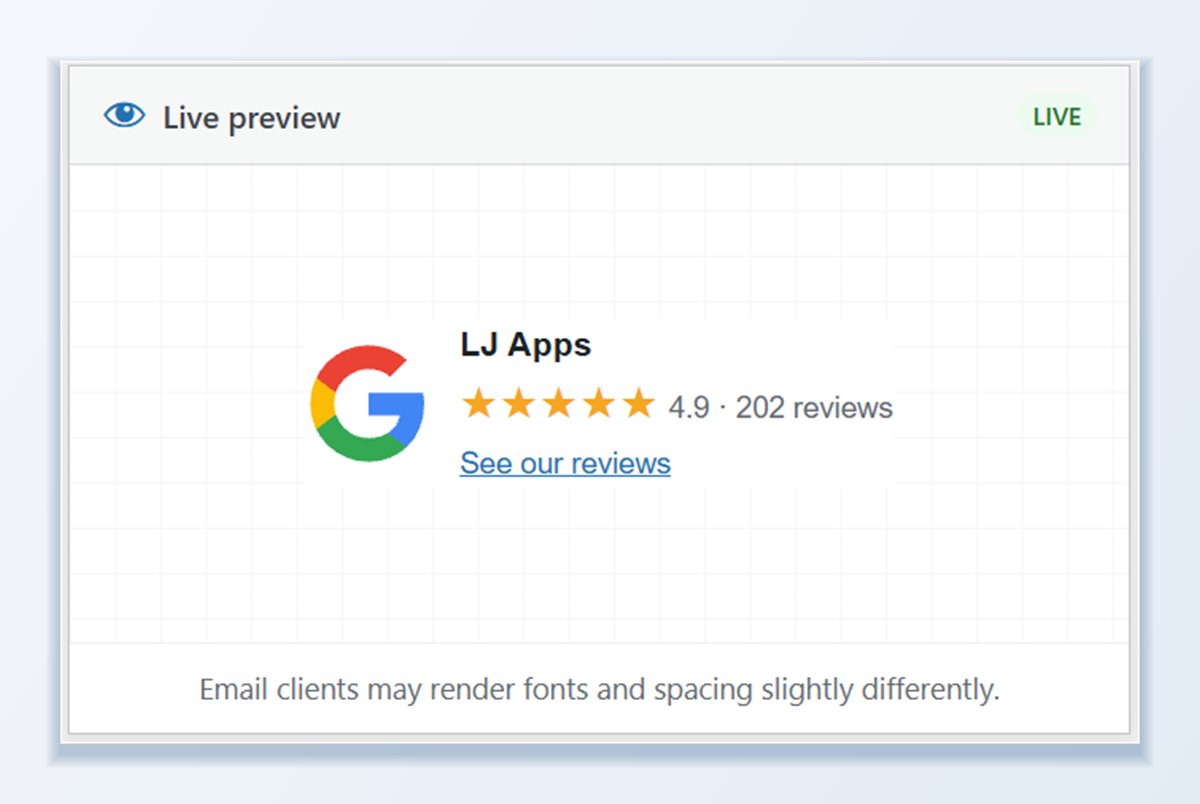
- Live preview that updates as you type
- One signature per team member, all backed by the same reviews
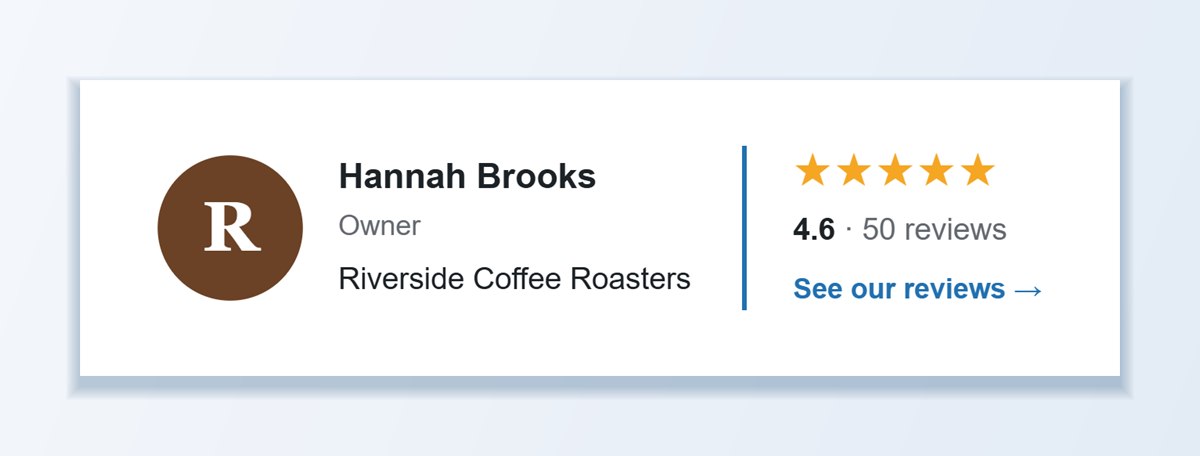
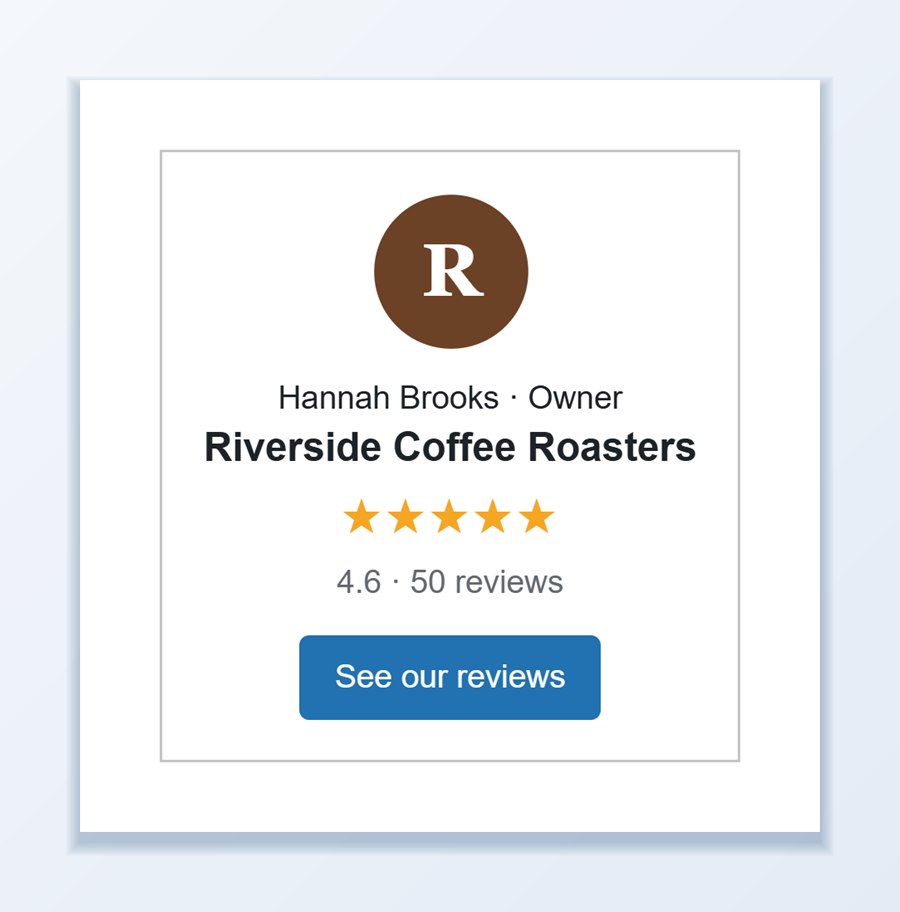
Backed by the reviews you already have
Pick one or more review sources. The primary source supplies the platform logo and business name, and every selected source counts toward the rating. Choose whether the number comes from the reviews stored in your Review List or from the platform totals.
Because the signature uses reviews WP Review Slider Pro already collects, there is nothing new to set up and nothing to keep in sync by hand.
Paste it once and it stays current
Click Copy HTML and paste the signature into Gmail, Outlook, or Apple Mail. The builder includes the exact steps for each client.
- Static HTML snapshot copies the signature exactly as it looks today
- HTML + live rating image keeps the layout in HTML and hosts the stars and rating as an image, so the score updates on its own
- Copy source HTML is there for clients that strip formatted pastes
Which copy option should you use?
Email clients treat pasted signatures differently, so the builder gives you three ways to copy yours.
HTML + live rating image
The layout stays in HTML and the stars and rating load as an image hosted on your site, so the score updates as new reviews arrive. A good default for most teams.
Static HTML
A snapshot of the signature exactly as it looks today. Nothing loads from your site, which suits Outlook setups that block images until the recipient clicks Download pictures.
Copy source HTML
The raw signature markup, for email clients that strip formatted pastes and for tools that ask you to paste an HTML signature.
Frequently asked questions
Which email clients are supported?
Gmail, Microsoft Outlook (desktop and web), and Apple Mail are covered with step-by-step paste instructions inside the builder. Any email client, CRM, or helpdesk that accepts an HTML signature will work.
Does the rating in the email signature update automatically?
Yes, when you choose the HTML + live rating image mode. The stars and rating are hosted as an image on your site, so the score updates on its own as new reviews arrive.
Can my whole team use review email signatures?
Yes. Create a separate signature for each team member with their own name and job title. Because every signature pulls from the same connected review sources, your star rating and review count stay consistent across the entire company.
Will the signature images display in Microsoft Outlook?
Outlook often blocks external images until the recipient clicks Download pictures. If most of your recipients use corporate Outlook, choose the Static HTML snapshot mode, which renders the stars and rating in pure HTML without needing an external rating image.
Can I combine multiple review platforms into one signature rating?
Yes. Select one primary source (which supplies the platform icon and business name) and check as many additional review sources as you like. You can also choose whether the rating uses your imported Review List totals or overall platform totals.
Where can the signature call-to-action button link?
Point the link or button to any URL: your website’s dedicated reviews page, your Google Business Profile review link, a WooCommerce shop page, or your hosted TrustGuide profile.
Create your signature
A full walkthrough of the builder plus the release that introduced it.